
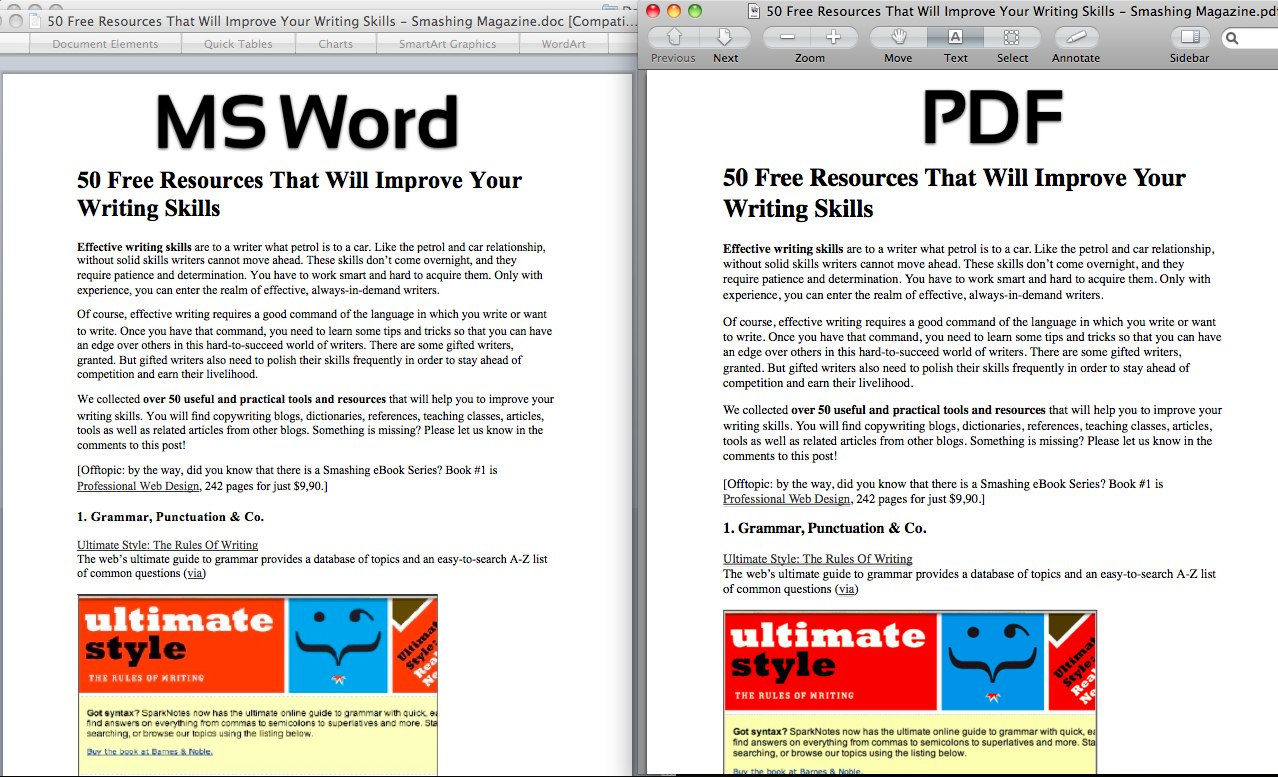
Understanding the difference between PDF and Word is fundamental to efficient document management. While both are staples of the modern office, they serve distinct purposes. Microsoft Word is a word-processing tool designed for the creation and active editing of text, while PDF is a portable format designed for the final presentation and distribution of documents.
The main advantage of a PDF is its ability to maintain consistent formatting across any device. When you share a Word document, there is a risk that fonts will shift or layouts will break if the recipient uses a different software version. A PDF "locks" these elements in place, ensuring that your document looks identical on a smartphone, tablet, or desktop computer.
For collaboration, Word remains the superior choice. Features like "Track Changes" and real-time commenting allow teams to refine a draft together. However, once the collaboration is complete, the best practice is to convert the file to a PDF for final delivery. This prevents accidental edits and ensures the recipient sees the final, polished version of your work.
Security and file size are also key differentiators. PDFs typically offer more advanced encryption options and are generally smaller in size, making them easier to send as email attachments. Converting a Word file to PDF can strip away unnecessary metadata, resulting in a cleaner, more professional file for external use.
At RapidFilePDF, we provide the tools to help you switch between these formats effortlessly. Whether you need to turn a Word doc into a PDF for a client or convert a PDF back to Word for editing, our online tools ensure the transition is smooth and accurate.
Try our free PDF tools at RapidFilePDF to convert, compress, and manage your documents online.