
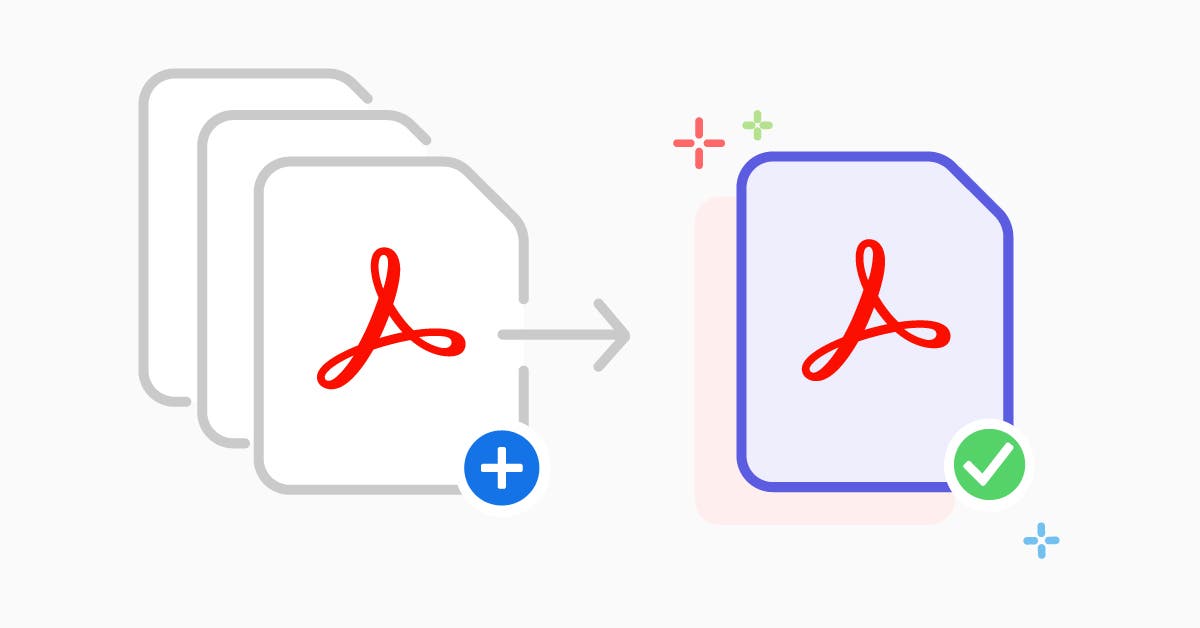
How to Merge Multiple PDF Files Combining several documents into a single PDF file is one of the most effective ways to stay organized. Whether you are compiling an expense report or several chapters of a book, merging them into one cohesive file makes distribution much easier. Instead of sending five separate attachments in an email, you can send one professional document that is easy for the recipient to navigate.
The process of merging files at RapidFilePDF is designed to be as fast as possible. You simply upload the files you want to combine, arrange them in the correct order, and click a button. Our system handles the heavy lifting, ensuring that the fonts, layouts, and page sizes of each original document are preserved in the final merged version. This eliminates the need for manual copy-pasting.
Organization is key to maintaining a professional workflow. When your documents are scattered across multiple files, it is easy to lose track of versions or miss important information. By merging related documents, you create a single source of truth that is easier to archive and reference later. This is particularly helpful for administrative professionals who handle high volumes of paperwork.
User experience is improved when you provide a single document for your audience. Navigating one file with a clear beginning, middle, and end is much more intuitive than jumping between different windows. It allows you to control the sequence of your presentation or report, ensuring that the reader sees the information exactly as you intended.
RapidFilePDF is committed to providing these organizational tools for free. We believe that document management should be a seamless part of your day, not a hurdle that slows you down. By utilizing our merge tool, you can simplify your digital life and present your work in the most professional manner possible.
Try our free PDF tools at RapidFilePDF to convert, compress, and manage your documents online.