
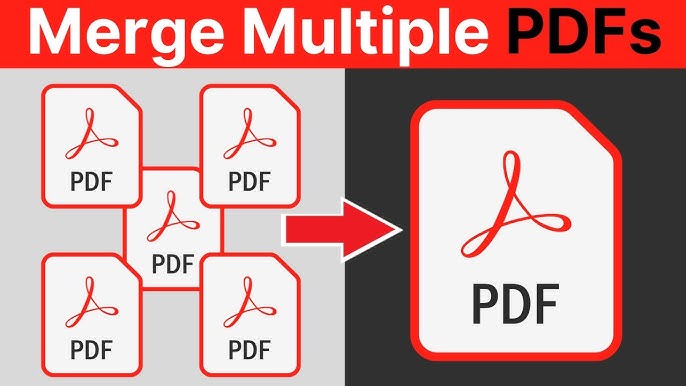
How to Merge Multiple PDF Files Organizing digital paperwork can quickly become overwhelming when dealing with dozens of separate files. Whether you are a student compiling research or a professional organizing monthly reports, merging multiple PDF files into one document is a powerful productivity hack. This process allows you to maintain a clean digital workspace and ensures that all related information is kept in a single, easily accessible location.
At RapidFilePDF, we provide a specialized tool to handle this task with ease. Instead of sending five separate email attachments, you can merge them into a single file, making it much easier for the recipient to view your work in the correct order. Our online merger is designed to be fast and secure, preserving the original formatting of every page you upload.
The benefit of a single document extends to archiving and retrieval. Finding a specific piece of information is much simpler when you only have one file to search through rather than digging through multiple folders. This is especially helpful for legal teams, educators, and administrative staff who handle high volumes of documentation daily.
Consistency is key when presenting your work to clients or supervisors. By merging your files, you control the narrative flow of your presentation. You ensure that the reader sees the introduction, the data, and the conclusion in exactly the sequence you intended, without the friction of opening different windows.
RapidFilePDF is committed to providing these essential document management tools for free. We believe that staying organized should be a seamless part of your day, not a technical hurdle. Use our online merger today to simplify your digital files and improve your professional workflow.
Try our free PDF tools at RapidFilePDF to convert, compress, and manage your documents online.