
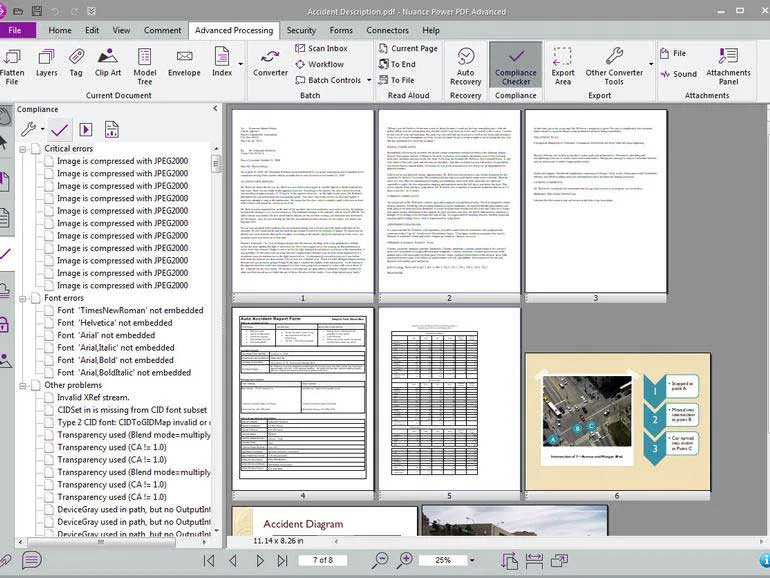
Online PDF Tools vs Desktop Software When it comes to managing your documents, you have two main options: downloading traditional desktop software or using online PDF tools. For many years, desktop software was the only way to get professional results, but recent advancements in web technology have made online tools like RapidFilePDF a faster, more convenient, and often more cost-effective choice for most users.
The main advantage of online tools is accessibility. You don’t need to install anything on your computer, which is a major benefit if you are using a work-issued laptop with restricted permissions. As long as you have an internet connection and a browser, you can access a full suite of document management tools from anywhere in the world. This "on-the-go" capability is vital for modern productivity.
Desktop software often comes with high upfront costs or expensive monthly subscriptions. For the average user who only needs to merge a few files or sign a document once a week, these costs are hard to justify. Online tools provide the same core functionality—like conversion, compression, and editing—for free. This makes professional-grade document management accessible to students, freelancers, and small business owners.
Security was once a concern for online tools, but that is no longer the case. Modern platforms like RapidFilePDF use the same high-level encryption as desktop applications to protect your data during processing. Because your files are not stored permanently on the server, the risk is minimal. In many cases, online tools are actually safer than desktop software that might be outdated or unpatched.
In summary, while desktop software might still be necessary for high-end graphic design or extremely complex batch processing, online tools are the superior choice for daily document tasks. They offer speed, convenience, and cost-savings without sacrificing quality or security. RapidFilePDF is proud to be at the forefront of this shift, providing the tools you need to stay productive in the browser.
Try our free PDF tools at RapidFilePDF to convert, compress, and manage your documents online.