
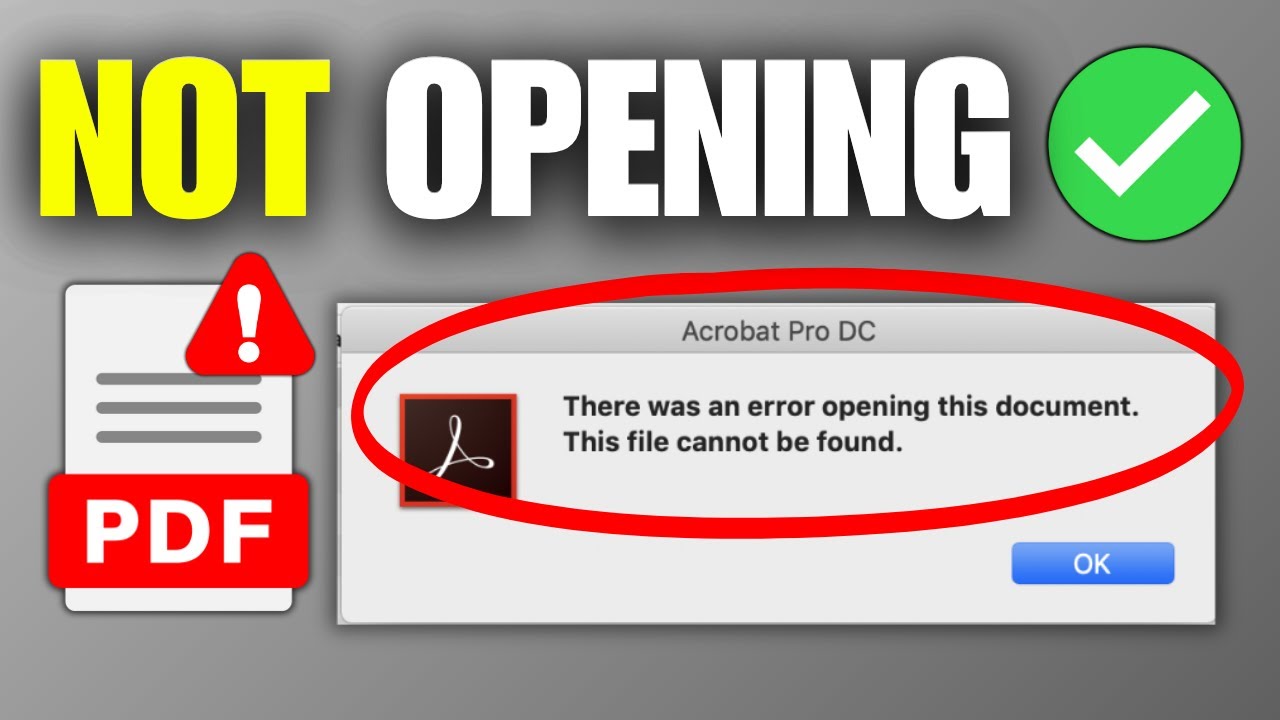
Finding that an important PDF will not open is a high-stress situation, especially when a deadline is approaching. This issue can be caused by a variety of factors, ranging from a simple browser glitch to a corrupted file or an outdated viewer. Having a set of reliable solutions can help you troubleshoot the problem and regain access to your data in minutes.
The first and easiest solution is to try a different viewer. If your desktop software is failing, try uploading the file to an online tool like RapidFilePDF. Our browser-based platform is often able to bypass compatibility errors that plague local applications. If the file opens in our viewer, you know the problem lies with your software rather than the document itself.
If the file is corrupted, you might need to attempt a "format repair." By using a PDF to Word converter, you can sometimes extract the text and data from a "broken" PDF and save it into a fresh, functional file. This method is a lifesaver for recovering information from documents that have been damaged during an interrupted download or a faulty transfer.
Check your browser settings as well. Sometimes, aggressive ad-blockers or an overloaded cache can prevent PDFs from rendering correctly in your browser window. Try opening the document in an incognito or private window, or clear your browser data to see if that resolves the conflict. This is a common fix for "blank page" errors when viewing documents online.
Finally, ensure that the file extension is correct. Occasionally, a file might lose its ".pdf" suffix, causing your computer to not recognize how to open it. Manually renaming the file to include the correct extension can sometimes solve the issue instantly. RapidFilePDF is here to help you navigate these technical glitches with a versatile set of tools designed for any document emergency.
Try our free PDF tools at RapidFilePDF to convert, compress, and manage your documents online.