
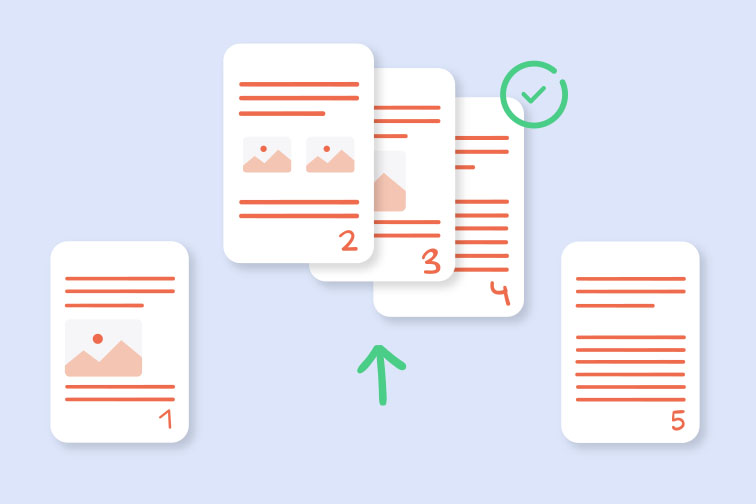
Split PDF Pages Online There are many instances where you only need a small portion of a much larger document. Whether it's a single chapter from an eBook or a specific page from a legal contract, being able to split PDF pages online is a huge time-saver. Instead of sending a massive file and telling the recipient to "look at page 45," you can simply extract that page and send it as a standalone file.
RapidFilePDF offers a precise splitting tool that gives you full control over your documents. You can choose to extract individual pages, a specific range of pages, or even split a large file into multiple smaller documents based on your needs. This is an essential feature for staying organized and ensuring that you are only sharing the information that is relevant to the task at hand.
Efficiency in communication is the primary goal of splitting files. Large PDFs can be difficult to navigate and can slow down email servers. By sending only the necessary pages, you make it easier for your colleagues and clients to find the information they need. It shows a level of professional attention to detail that is highly valued in any business environment.
Our online tool is designed for speed and security. You don't have to worry about the integrity of your original file; the splitting process creates new, smaller files while leaving your source document untouched. Furthermore, our secure processing ensures that your data is protected throughout the extraction process, giving you peace of mind.
Managing your digital library becomes much easier when you can break down bulky files. Whether you are an educator organizing lesson plans or a researcher categorizing data, splitting PDFs helps you curate your information more effectively. RapidFilePDF is here to provide the tools you need to take total control of your digital paperwork.
Try our free PDF tools at RapidFilePDF to convert, compress, and manage your documents online.