
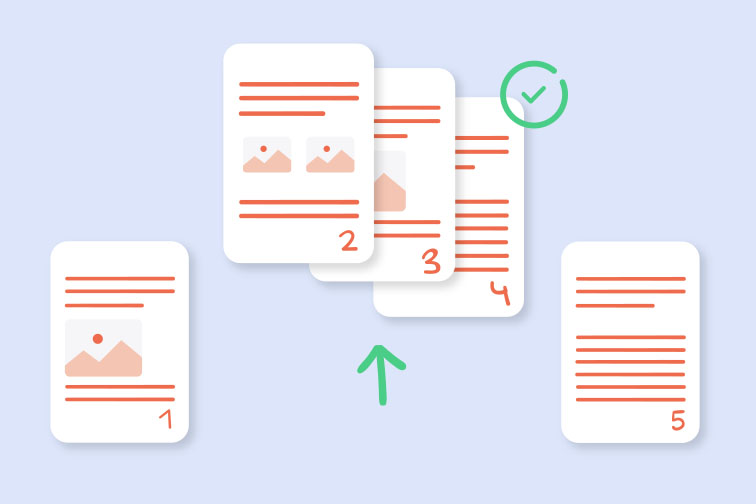
H1: Split PDF Pages Online Sometimes, a single page is all you need from a much larger document. Whether you are extracting a specific invoice from a monthly statement or a single chapter from a large book, splitting PDF pages online is a major time-saver. Instead of sending a 50-page file, you can send only the relevant information to your recipient.
At RapidFilePDF, our splitting tool gives you total control over your documents. You can choose to extract specific pages, a range of pages, or split the entire document into individual files. This level of precision ensures that you are only sharing what is necessary, which improves communication and protects the privacy of unrelated content.
Professionalism is often found in the details. Sending a concise, one-page document instead of a massive file shows that you respect the recipient's time. It makes their job easier and ensures that they don't have to scroll through dozens of pages to find the information they need.
Our splitting process is entirely secure and preserves the quality of your original pages. You don't have to worry about your data being shared or stored permanently on our servers. We use advanced encryption to ensure that your files are handled with the highest level of care.
RapidFilePDF is designed to be a fast and efficient solution for all your document management needs. Our tools are free to use and accessible from any device. Take control of your PDF files today by using our professional splitting tool.
Try our free PDF tools at RapidFilePDF to convert, compress, and manage your documents online.